Workplace safety doesn’t start with policies buried in binders—it starts with consistent, engaging conversations. And few tools deliver that consistency like printable safety toolbox topics in PDF format. These compact, ready-to-use guides are the backbone of daily safety meetings, especially in construction, manufacturing, logistics, and field services. When time is tight and attention spans are short, a well-designed PDF can mean the difference between awareness and incident.
These resources aren’t just check-the-box documentation. They’re practical, modular, and designed for real-world use—whether you’re a safety manager, foreman, or crew leader. The best ones are instantly printable, easy to customize, and cover high-risk scenarios your team actually faces.
Let’s break down what makes a safety toolbox topic PDF effective—and where to find (or create) the ones that deliver real impact.
Why Printable Safety Toolbox Topics Matter
Toolbox talks—also called tailgate meetings or safety huddles—are short, focused discussions on specific hazards or safety procedures. They’re most effective when held regularly, ideally daily or weekly, and when they address relevant, timely concerns.
Printable PDFs solve three major problems:
- Consistency – Standardized content ensures no critical point is missed, even when different supervisors lead the meeting.
- Compliance – Regulators like OSHA expect documented safety training. A signed attendance sheet paired with a PDF topic creates an audit-ready record.
- Engagement – A clean, visual format with clear takeaways keeps workers attentive and informed.
Without these resources, safety meetings become reactive or inconsistent. Workers tune out. Risks get overlooked. And when incidents occur, the lack of documentation becomes a liability.
Key Elements of an Effective Safety Toolbox PDF
Not all PDFs are created equal. Many free downloads are poorly structured, text-heavy, or too generic to be useful. The best ones follow a clear, repeatable format that supports real discussion.
Here’s what to look for in a high-quality printable safety toolbox topic:
- Clear Topic Title – Specific and actionable, like “Preventing Backover Accidents” instead of “Vehicle Safety.”
- Hazard Overview – A brief explanation of the risk and why it matters.
- Real-World Examples – Short scenarios workers can relate to (e.g., “A forklift operator didn’t check behind before reversing…”).
- Prevention Strategies – Concrete actions: use spotters, activate alarms, wear high-vis gear.
- Discussion Questions – 2–3 prompts to spark engagement (“When was the last time you saw someone bypass a backup alarm?”).
- Checklist or Action Steps – Bullet points summarizing what workers should do.
- Attendance Sign-Off Section – Critical for recordkeeping.
A strong PDF doesn’t just inform—it facilitates conversation. It turns a 10-minute meeting into a shared safety moment.
Top 5 Sources for Printable Safety Toolbox Topics PDFs
While you can create your own, many organizations rely on pre-built, professionally developed resources. Here are five trusted sources offering high-quality, printable safety toolbox topics in PDF:

| Source | Key Features | Customization | Best For |
|---|---|---|---|
| OSHA.gov | Free, government-reviewed topics; aligned with regulations | Limited | Compliance-focused teams |
| SafetyCulture (iAuditor) | 500+ templates, mobile-friendly, cloud-based | High – edit in app | Digital-forward safety programs |
| Creative Safety Supply | Visually clean, industry-specific topics (e.g., warehouse, lab) | Moderate – downloadable PDFs | Visual learners, signage integration |
| SafetyInfo.com | Veteran-created; practical tone, real-world emphasis | Full edit rights | Construction, field crews |
| EHS Daily Advisor (BLR) | Premium content, legally vetted, includes quizzes | Moderate | Large teams needing audit-proof records |
Each offers downloadable PDFs, but the level of usability varies. For example, SafetyCulture allows you to modify templates in their app before exporting to PDF—ideal for teams already using digital workflows. SafetyInfo, on the other hand, delivers no-nonsense PDFs ready to print and use the same day.
For most small to mid-sized operations, combining free OSHA topics with a few premium templates from SafetyInfo or Creative Safety Supply offers the best balance of cost and quality.
Common Mistakes That Undermine Toolbox Talks
Even with great PDFs, safety meetings can fail due to poor execution. Avoid these common pitfalls:
- Reading Aloud Without Engagement – If the supervisor just reads the PDF word-for-word, workers disengage. Use it as a guide, not a script.
- Using Outdated or Irrelevant Topics – Talking about ladder safety on a day with no elevated work misses the point. Match the topic to the job.
- Skipping Documentation – No signature sheet? No proof it happened. Always record attendance.
- One-Size-Fits-All Approach – A talk on confined space entry won’t resonate with office staff. Tailor topics to roles.
- Inconsistent Scheduling – Random meetings lose impact. Make them routine—same time, same place.
A printable PDF won’t fix bad habits. But when used correctly, it can anchor a culture of daily safety awareness.
How to Customize Your Own Safety Toolbox PDFs
If off-the-shelf topics don’t match your operations, create your own. Custom PDFs let you address site-specific risks—like handling proprietary equipment or navigating unique site layouts.
Here’s a simple workflow:
- Pick a High-Risk Task – Review incident reports or near-misses. Focus on recurring issues.
- Structure the Content – Use the format outlined earlier: hazard, example, prevention, questions.
- Add Site Photos – Include images of actual work areas or equipment to increase relevance.
- Convert to PDF – Use Word, Google Docs, or Canva, then export as PDF to preserve formatting.
- Archive and Rotate – Keep a library of 20–30 topics and rotate them monthly to avoid repetition.
Example: At a warehouse facing forklift-pedestrian conflicts, a custom PDF titled “Staying Visible Around Forklifts” included photos of blind spots in their actual facility and a checklist for both drivers and foot traffic.
This level of specificity turns safety training from abstract to immediate.
Industry-Specific Use Cases
Not every job site faces the same risks. The best printable toolbox topics reflect that.

Construction Sites Focus: fall protection, trenching, electrical hazards Sample Topic: “Inspecting Your Harness Before Every Climb” Use: Distribute before morning shift on high-elevation workdays
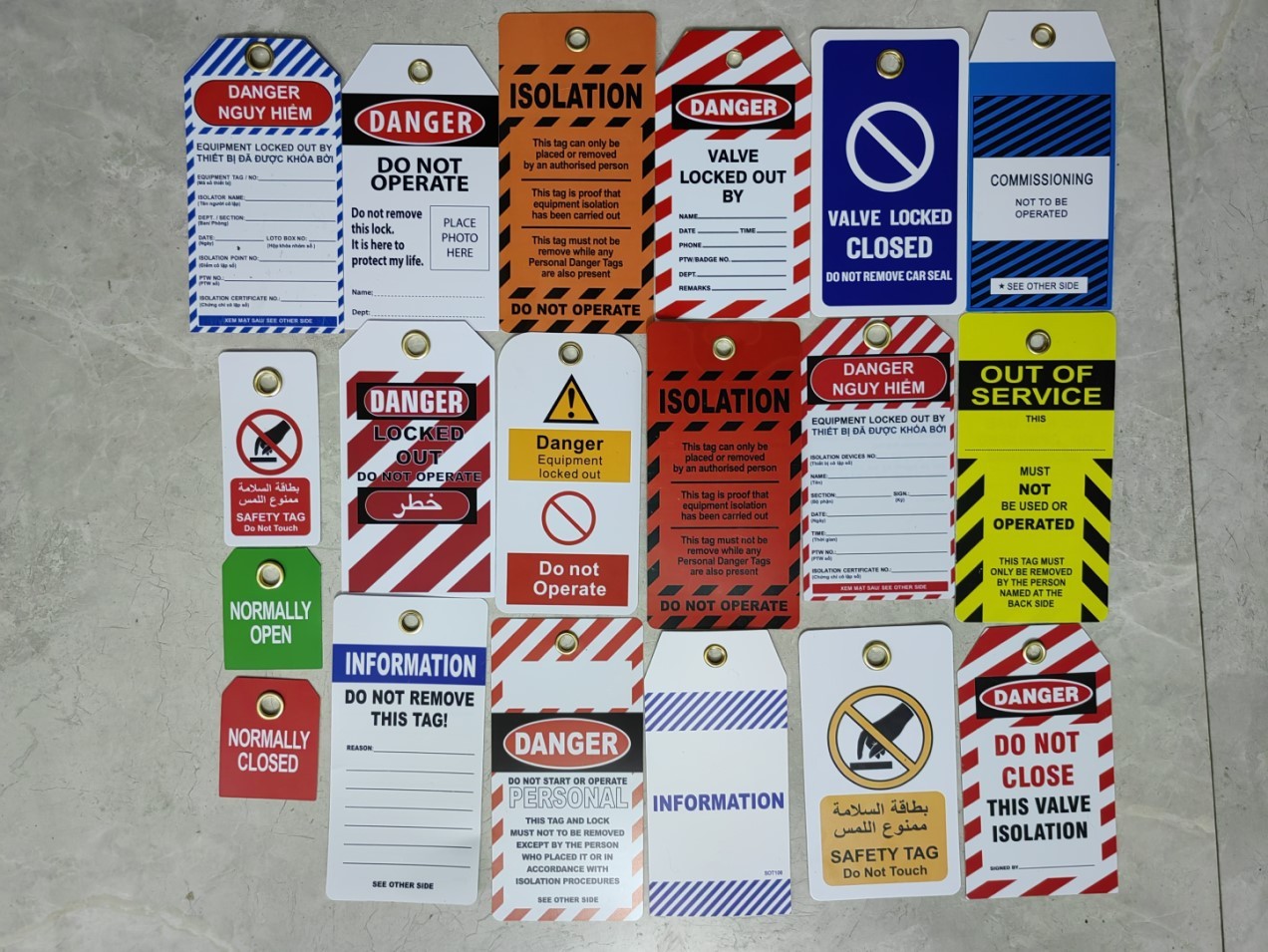
Manufacturing Plants Focus: machine guarding, lockout/tagout, chemical handling Sample Topic: “Never Bypass a Safety Guard—Here’s Why” Use: Pair with equipment maintenance schedules
Transportation & Logistics Focus: backing safety, slip/trip hazards, fatigue Sample Topic: “The 10-Second Spot Check Before Reversing” Use: Play as a quick video or print as a cab-side reminder
Facilities & Maintenance Focus: ladder safety, confined spaces, PPE Sample Topic: “Is Your Ladder Footing Secure?” Use: Print and post in tool rooms or break areas
Tailoring content increases retention. Workers are more likely to remember a talk that mirrors their daily routine.
Making PDFs Part of a Larger Safety System
A standalone PDF isn’t enough. It works best when integrated into a broader safety process.
- Pair with Digital Tools – Use platforms like SafetyCulture or SiteDocs to assign, track, and report on completed talks.
- Link to Training Records – File signed PDFs with employee training histories.
- Rotate Topics Quarterly – Avoid repetition while reinforcing key messages.
- Empower Crew Leaders – Train supervisors to lead discussions, not just distribute paper.
One Midwest contractor reduced recordable incidents by 40% in 18 months simply by standardizing weekly toolbox talks using printable PDFs and requiring photo documentation of each meeting.
The tool is simple. The results aren’t.
Final Thoughts: Clarity, Consistency, Compliance
Printable safety toolbox topics in PDF format are more than convenience—they’re a strategic asset. They turn fragmented safety efforts into a repeatable, measurable process.
The best ones are clear, relevant, and built for real conversations—not just compliance. Whether you download from OSHA, SafetyInfo, or design your own, the goal is the same: keep workers informed, involved, and safe.
Start with one high-risk area. Pick or create a PDF. Hold the talk. Document it. Repeat.
That’s how safety becomes culture.
FAQ
Where can I download free printable safety toolbox topics in PDF? OSHA.gov offers free, downloadable toolbox talk templates. SafetyInfo.com and Creative Safety Supply also provide free PDFs with registration.
Can I edit printable safety toolbox PDFs? Yes—many providers offer editable versions in Word or via online platforms like SafetyCulture. Always ensure edits align with safety regulations.
How long should a toolbox talk last? Aim for 10–15 minutes. Focus on one topic and encourage discussion.
Should every worker sign the PDF after a talk? Yes. Collecting signatures proves participation and supports compliance during audits.
How often should toolbox talks be held? Daily or weekly, depending on risk level. High-hazard sites should meet daily; lower-risk environments can meet weekly.
What topics are most effective for construction crews? Fall protection, PPE use, trench safety, electrical hazards, and equipment operation are consistently high-impact.
Can PDF toolbox talks be used digitally on tablets or phones? Absolutely. Many teams use tablets in the field to display and sign off on talks, then save them to cloud storage.
FAQ
What should you look for in Printable Safety Toolbox Topics PDF: Essential Resources for Worksite Sa? Focus on relevance, practical value, and how well the solution matches real user intent.
Is Printable Safety Toolbox Topics PDF: Essential Resources for Worksite Sa suitable for beginners? That depends on the workflow, but a clear step-by-step approach usually makes it easier to start.
How do you compare options around Printable Safety Toolbox Topics PDF: Essential Resources for Worksite Sa? Compare features, trust signals, limitations, pricing, and ease of implementation.
What mistakes should you avoid? Avoid generic choices, weak validation, and decisions based only on marketing claims.
What is the next best step? Shortlist the most relevant options, validate them quickly, and refine from real-world results.